Practice management platform

One doctor.
Every hospital.
One record.

Appointments, medical records, prescriptions, surgery and billing across every hospital you practise at — managed from a single secure account, with the patient history following the patient rather than the building.

  • No credit card
  • Set up in minutes
  • Cancel anytime
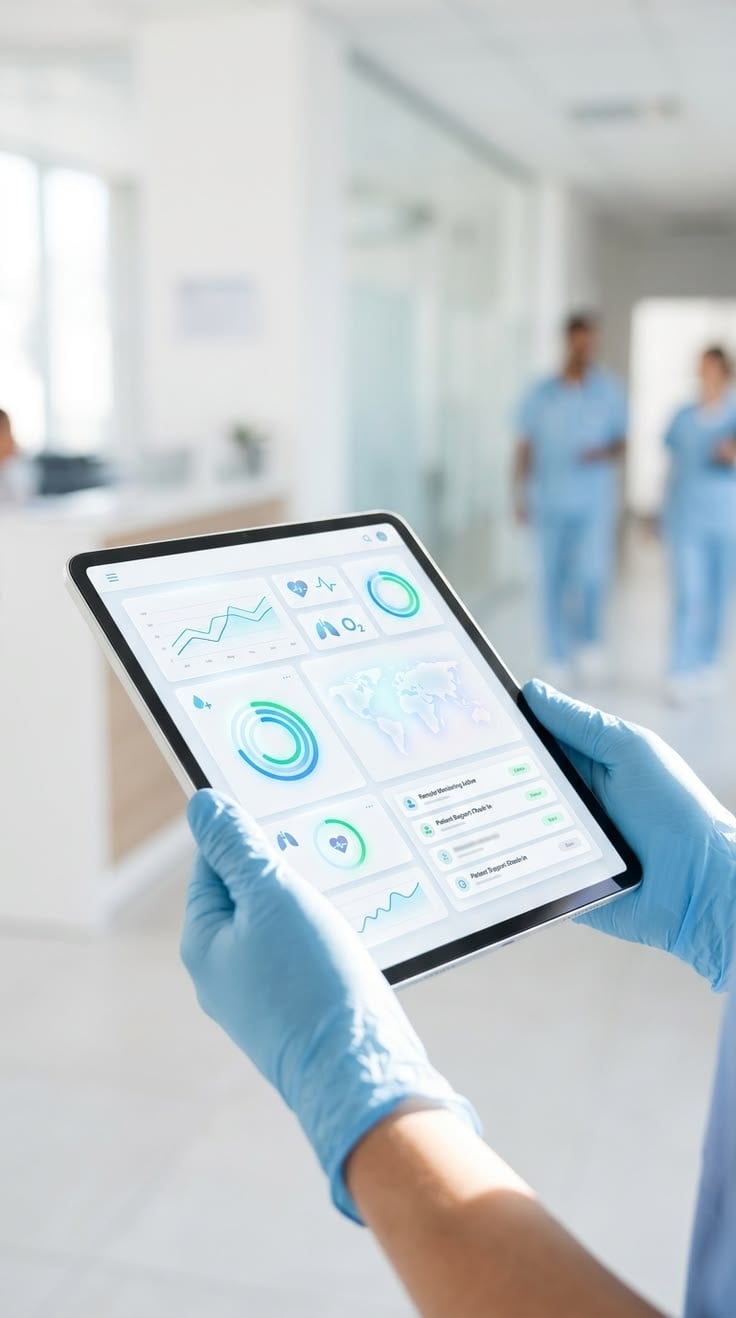
A clinician in gloves reviewing a PPMS patient dashboard on a tablet in a hospital corridor

Trusted by hospitals, clinics and independent practitioners

AppointmentsElectronic medical recordsPrescriptionsMulti-hospital switchingBilling & invoicingInsurance claimsPatient timelineSurgery schedulingLab & imaging resultsLeave managementRole-based accessAudit logsDaily backupsAnalytics dashboard
A gloved hand touching a connected network of hospital care services
0+
Doctors on the platform
0+
Hospitals & clinics
0+
Patient records managed
0.0%
Uptime target
The shift

Most practices still run on paper, phone calls and three unconnected systems.

A doctor working across three hospitals typically holds three logins, three schedules and three fragments of the same patient's history. Nothing is wrong with any one of them — the problem is that none of them can see the others.

Before

Three logins, three calendars, one patient split across all of them.

With PPMS

One login, one calendar, one continuous record per patient.

Illustration contrasting outdated manual healthcare paperwork with a modern intelligent patient-insights interface
The platform

Everything a practice runs on, in one place.

Twelve modules that share a single patient record, a single calendar and a single permission model — so nothing has to be entered twice or reconciled later.

A doctor holding a tablet with a connected web of patient data rising from the screen
Unified record

One patient, one history — regardless of which hospital they walk into.

Consultations, prescriptions, lab results, admissions and invoices attach to the patient, not to the site. Switching hospitals changes your schedule and your billing context — never the clinical history.

Gloved hands drawing medication from a vial beside a medical data overlay
Prescriptions

Prescribe once, print or share instantly.

Dosage, duration and refills carry forward from the last visit, so repeat prescriptions take a click rather than a re-type.

Care management concept tile

Care management, end to end

From the first appointment to discharge and follow-up — one thread, no handoff gaps.

Appointments

One calendar across every hospital, with conflict and leave awareness built in.

Billing & insurance

Invoices, payments and claim status tracked against the same visit record.

Staff & roles

Front desk, nursing, billing and administrators each see only their slice.

Documents & scans

Attach scanned reports; text is extracted so paper becomes searchable.

Electronic medical records

Notes that stay legible five years later.

Structured consultation notes with vitals, diagnosis, investigations and plan — captured in the room, not written up afterwards from memory.

Templates per specialty
Start from a template that matches how you actually examine, then edit freely.
Full patient timeline
Every visit, prescription, result and admission on one scrollable thread.
Scanned reports become searchable
Upload an outside lab report and its text is extracted and indexed with the record.
A doctor reviewing a list of electronic medical records on a tablet
Multi-hospital management

Switch hospitals the way you switch rooms.

Add a hospital, set your consulting hours there, and it appears in the same account. Nothing is duplicated, and nothing has to be reconciled at the end of the month.

Unlimited sites per doctor
Each with its own schedule, staff, rates and invoice series.
One calendar, colour-coded
See Monday at one hospital and Tuesday at another without opening two systems.
Per-site and combined reporting
Revenue and volume by hospital, or rolled up across your whole practice.
A clinical team reviewing a hospital operations overview on a large interactive display
Patient journey

From first call to follow-up, on one thread.

Every stage writes to the same record, so the next person to see the patient starts from what actually happened rather than from what was remembered.

A clinician reviewing a patient's preliminary analysis on a full-body diagnostic display
Vital signs displayed above a wearable device during remote patient monitoring
01
Booking

Front desk or patient books against your real availability at that hospital.

02
Consultation

Vitals, notes, diagnosis and plan captured in the room.

03
Investigation

Labs and imaging ordered, results attached back to the same visit.

04
Follow-up

Next appointment, repeat prescription and reminders scheduled before they leave.

Surgery workflow

Every operation, documented the same way.

Schedule the theatre, record the operative note against a consistent structure, and keep the pre-op diagnosis, findings and post-op plan attached to the patient's timeline.

Structured operative notes
Pre-op and post-op diagnosis, procedure, surgeon, anaesthesia and complications — the same fields every time.
Theatre scheduling
Book the slot against the hospital's calendar, with the surgical team attached.
Imaging alongside the note
Scans and reports sit with the operative record instead of in a separate folder.
A structured surgery operative report template showing pre-operative diagnosis, procedure and clinical findings
Dashboard & analytics

The numbers you actually run the practice on.

Today's queue, this month's revenue by hospital, no-show rate, repeat-visit rate — computed from the same records your staff are already entering, so there is no separate reporting exercise.

Revenue by hospital and by month
Split per site or combined, with collections and outstanding shown separately.
Operational load at a glance
Queue length, average consultation time and cancellations for each working day.
Exportable, always
Any view can be exported for your accountant or your own spreadsheet.
A doctor reviewing practice analytics charts on a large transparent display
Security

Built to be defensible, not just encrypted.

Patient data carries obligations. PPMS is designed so that who saw what, and when, is always answerable — and so that access is granted by role rather than by trust.

Encrypted in transit & at rest
Role-based access control
Immutable audit log
Two-factor authentication
Redundant cloud hosting
Automated daily backups
HIPAA-aligned design
Session & device visibility

HIPAA-aligned design describes how the platform is built — access control, audit logging and encryption. It is not a certification claim, and we will say so plainly in any procurement conversation.

Practitioners

Built around how doctors already work.

A doctor reviewing patient information on a tablet
A doctor reading a patient chart on a tablet in a darkened ward
PPMS transformed how I manage my three eye care centres. One login, all patient records, seamless billing — I save two hours every single day.
Dr. Aravind Patel · Ophthalmologist · 3 hospitals
The multi-hospital switching is flawless. My patients get consistent care records whether they visit me at the hospital or my private clinic.
Dr. Meera Krishnan · General physician · 2 clinics
Staff onboarded in a day. Reports that used to take hours now generate in seconds. PPMS is enterprise-grade at an accessible price.
Sundar Rajan · Hospital administrator
Pricing

Priced per practice, not per patient.

Start on the 30-day trial without a card. Move to a paid plan only when the practice is actually running on it.

Starter

Individual doctors

Free30-day trial
  • 1 doctor account
  • Up to 2 hospitals
  • Appointments & EMR
  • Basic billing
  • Email support
Start free trial
Most popular

Professional

Clinics & groups

₹2,999/month
  • Up to 5 doctors
  • Unlimited hospitals
  • Full EMR & prescriptions
  • Advanced billing & insurance
  • Analytics dashboard
  • Priority support
Start free trial

Enterprise

Hospitals & chains

Custompricing
  • Unlimited doctors
  • Unlimited hospitals
  • Custom integrations
  • Dedicated account manager
  • SLA guarantee
  • On-premise option
Talk to sales
FAQ

Questions we get asked before the first demo.

If yours is not here, ask it directly — we would rather answer honestly up front than discover a mismatch after onboarding.

support@ppmsai.com

Yes — that is the core of PPMS. You sign in once and switch hospitals from a single control, and the patient record travels with you. Each hospital keeps its own schedule, billing and staff roles, while the clinical history stays unified under the patient.

Run every hospital you practise at from one account.

Thirty days, no card, no commitment. If it does not fit how your practice actually works, we would rather you found that out for free.